 PawProof
Export a printable dog vaccine record from current information
Keep the dates and supporting certificates updated in PawProof, then export a clean PDF when someone asks for a copy. You are sharing the record you maintain, not filling out another blank template.

 Scan with your iPhone camera to download.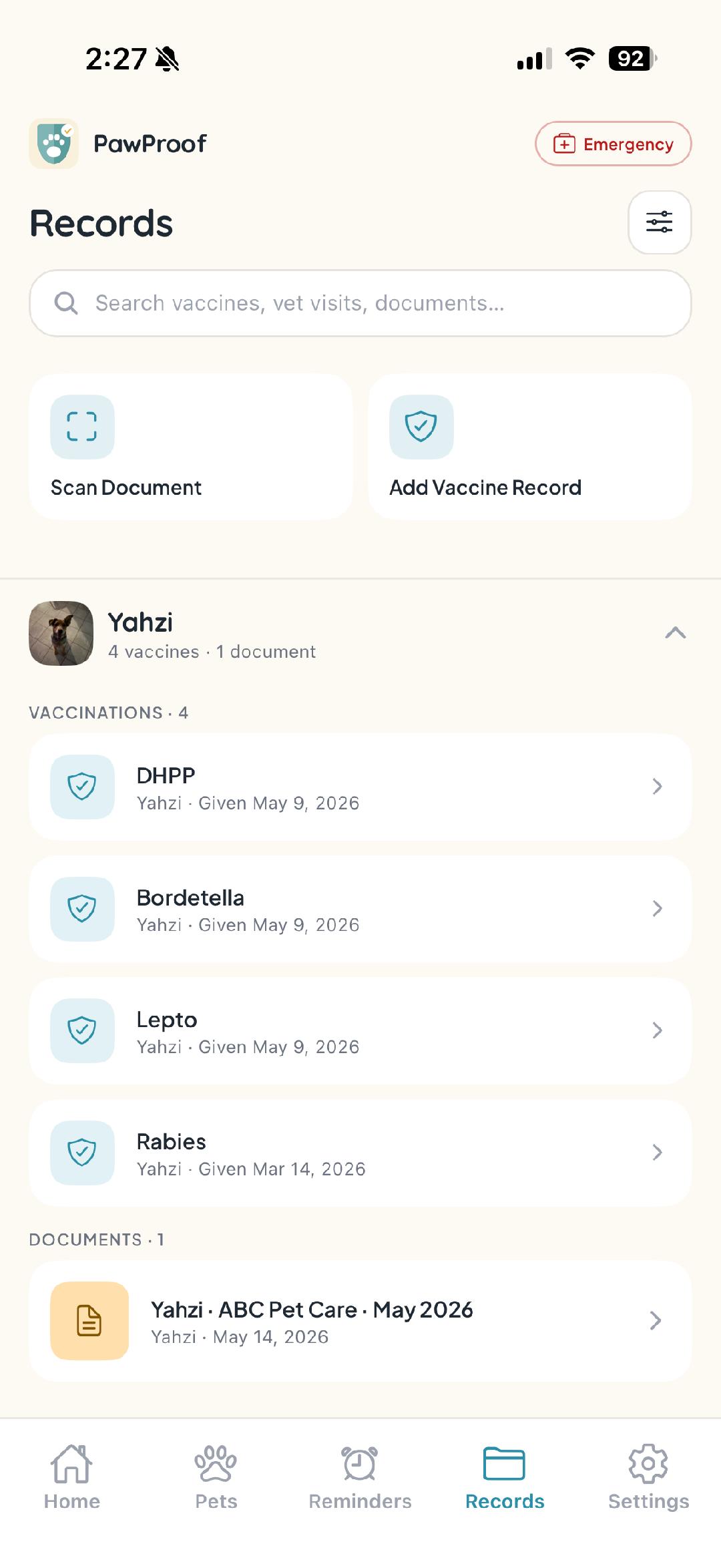
A printable record is most helpful when it reflects the information you have now. PawProof builds the export from the dates, clinic details, notes, and source documents saved for your dog, so you can print or share a current summary without copying everything into a separate form.
- +Keep veterinarian-provided dates and clinic details in one history
- +Attach the original certificate or supporting document
- +Export a clean PDF summary from the current saved record
- +Share the PDF or print it when a copy is requested
- +Keep each dog's information separate in a multi-dog household
Export the record you already keep current
Update the saved information when your veterinarian provides a new date or document. The next PDF export reflects those changes, which helps you avoid sending an older copy by mistake.
Keep the summary and source documents together
The PDF is a useful overview, while the attached certificate remains the source proof. PawProof keeps both available, so you can share the summary, the original document, or both when needed.
A current PDF, not a static blank form
PawProof does not provide a downloadable blank vaccination form. It exports a current summary from the information you entered or confirmed, and it does not recommend vaccines or timing.
Frequently asked questions
- Can I export my dog's saved record as a PDF?
- Yes. PawProof creates a current PDF summary from the information saved for your dog, which you can share or print.
- Is this a blank vaccine record form?
- No. PawProof does not provide a static blank form. The PDF is generated from the dates, details, and documents you keep in the app.
- Can I share the original certificate too?
- Yes. You can keep the source document attached and share it alongside the PDF summary when proof is requested.
- Does PawProof decide which information should be current?
- No. PawProof organizes the information you enter or confirm. Ask your veterinarian about vaccine decisions or timing, then update the saved record when needed.
Get every pet organized today
Free to start, no account needed to look around. Download PawProof and take the paperwork off your plate.